Google Ads Shopping Campaigns
Google Shopping Ads Management via Chat
Describe your store and your goal. Allable builds and fixes Google Shopping campaigns: product partitions, feed health, PMax for Shopping, ROAS per product group, all in one conversation. No switching between Merchant Center and Google Ads. MCC support for agencies managing retail clients.
Hello! 👋
I'm your AllAble assistant. Fill in the highlighted fields below and hit send — I'll take it from there.
- 1
- Prompt to build a complete Shopping campaign structure
- PMax
- Shopping budget via PMax asset groups with listing filters
- 7
- Google channels a PMax Shopping campaign can serve
- MCC
- Manage Shopping campaigns for all retail clients from one workspace
Your Shopping account has two separate problems: a feed Google keeps disapproving and a campaign structure that was set up once and never revisited, and fixing either means working in a different Google product.
Merchant Center handles the feed, Google Ads handles the campaigns, and the product partition tree lives somewhere in between. Feed tools like Channable and DataFeedWatch fix the first silo. PPC tools fix the second. Nothing works both sides in one conversation.
How It Works
Feed, Structure, and ROAS in One Conversation
Product Partitions via Chat
Describe how you want to divide your catalog, for example by category, brand, custom label, or product type. Allable builds the product group structure from your description, with bids per group. No drag-and-drop partition tree, no spreadsheet of exclusions.
Feed Health, Surfaced
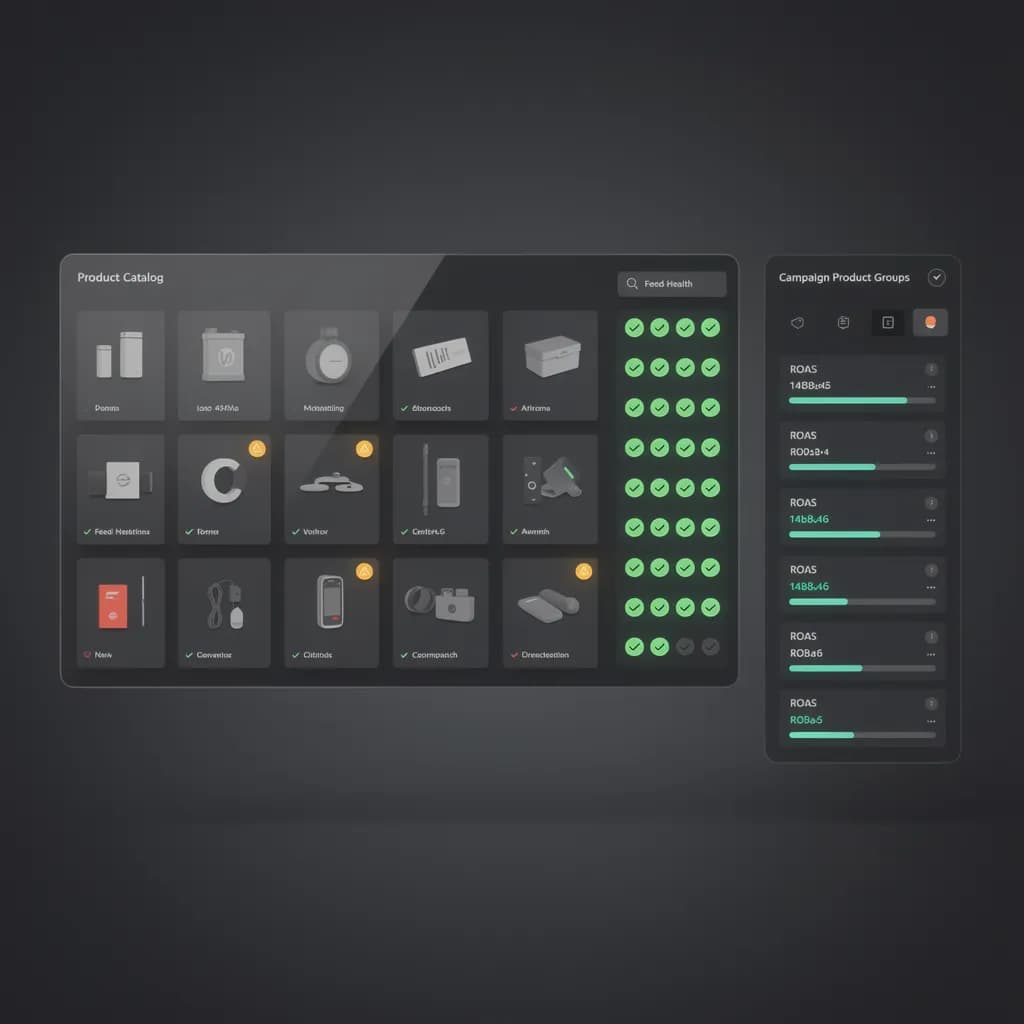
Allable reads your Merchant Center data and flags what's killing Shopping performance: disapproved products, price mismatches, missing GTINs, availability errors. Feed issues appear alongside your campaign findings, not in a separate tool you forget to open.
PMax for Shopping
Set up Performance Max Shopping campaigns with listing filters, audience signals, and search themes. Brand exclusions stay in place, so PMax doesn't cannibalize the brand Search campaigns that convert cheapest.
ROAS per Product Group
See which products actually make money. Allable reports ROAS at the product-partition level and flags products spending budget without converting. That is the data that tells you where to cut and where to scale.
The Shopping Workflow
From Feed Errors to ROAS in One Chat
Every Shopping tool on the market works one side of the problem: feed tools optimize the catalog, PPC tools manage the campaigns, and Google itself splits the two across Merchant Center and Google Ads. Allable is the first workflow that reads both.
- A feed finding lands next to the campaign fix: the same conversation that flags three disapproved products can rebuild the product group that was sending budget to clearance items.
- Product partitions are described, not dragged: "running shoes at $0.80, apparel at $0.40, accessories at $0.30, exclude clearance" becomes the structure, with bids attached.
- PMax for Shopping is configured with the same brief: listing filters scope each asset group to the right products, brand exclusions protect your Search campaigns.
- ROAS reporting runs at product-partition level, so a product line that looks profitable in the campaign summary shows its true cost per group.
- MCC users run the same feed-health check and structure across every retail client from one workspace, instead of logging into Merchant Center per account.
Who It's For
Built for Stores and Agencies Running Shopping Ads
E-commerce Marketer
You run Shopping ads for your own store and the account has drifted: the feed contains products you stopped stocking, ROAS is flat, and you are not sure whether to move budget to PMax or fix what you have. Allable reads both the feed and the campaigns, shows you what is actually wrong, and applies the fix you confirm. The store's catalog and the account finally live in the same conversation.
Marketing Agency
Every retail client means the same onboarding: review the Merchant Center feed, rebuild the campaign structure, set up PMax, report ROAS: per account, per client, every time. Connect the MCC to Allable and run feed-health checks and campaign builds across all clients from one workspace. No other Shopping tool runs the full workflow across MCC-connected accounts without per-client setup.
SMB Owner
You know products should show on Google Shopping, but Merchant Center and campaign setup read like they were built for someone with a team. Describe what you sell and what you want to spend. Allable builds the campaign, flags anything in the feed that would get products disapproved, and tells you what to fix in plain English.
Side by Side
Shopping Ads Management: Allable vs. the Alternatives
| Feature | Allable | Google Ads UI + Merchant Center | Channable / DataFeedWatch |
|---|---|---|---|
| Product partitions via chat | Included | Drag-and-drop tree | Feed only |
| Feed health in same workflow as campaigns | Included | Separate products | Feed depth |
| PMax for Shopping setup | Included | Native | Not included |
| ROAS per product group | Included | Manual build | Not included |
| Brand exclusions (protect Search) | Included | Native | Not included |
| MCC / cross-account Shopping | Included | MCC-native | Per-feed setup |
| Natural-language interface | Included | All UI forms | All UI forms |
| Feed error flags (GTIN, price, availability) | Included | Merchant Center only | Included |
| Preview before executing changes | Included | Native preview | Varies |
| Free trial | Included | Free | Free tier |

FAQ
Questions About Google Shopping Ads Management
What are Google Shopping ads?
Google Shopping ads show your products with an image, price, and store name at the top of Google search results. They run from product data in Merchant Center, organized into campaigns in Google Ads. That is exactly why managing them well means working in both products. Allable connects to both and manages them as one workflow.
Does Allable handle both Standard Shopping and Performance Max?
Both. Allable builds Standard Shopping campaigns with product partitions and bids per product group, and it sets up Performance Max Shopping campaigns with listing filters, audience signals, and search themes. You describe the structure you want; the AI configures it in whichever campaign type fits.
Can Allable fix my feed disapprovals?
Allable reads your Merchant Center data and flags what is causing disapprovals or poor performance: missing GTINs, price mismatches, availability errors, disapproved products. It lists them next to your campaign findings and tells you exactly which products need what fix before you launch or scale.
Should I use Standard Shopping or Performance Max?
Standard Shopping gives you control: product-level bids, negative keywords, and a partition structure you define. Performance Max hands targeting to Google's AI in exchange for reach across Search, Shopping, YouTube, Display, and more. Allable supports both and helps you split budget honestly: control where you need it, automation where it scales.
Does it work with my store platform?
If your products are in Google Merchant Center, Allable can work with them. Shopify, WooCommerce, Magento, and custom feeds all end up in Merchant Center the same way. Connect your Google Ads and Merchant Center accounts, and the AI reads the product data and campaigns directly.
How is this different from Channable or DataFeedWatch?
Channable and DataFeedWatch are feed management tools: they optimize your product data and push it to channels. They do not build campaign structure or manage the Shopping account. Allable covers the whole workflow: feed health checks, product partitions, PMax setup, and ROAS reporting in one conversation.
Fix Your Shopping Account in One Conversation
Connect Google Ads and Merchant Center. Describe your store. Allable handles feed health, campaign structure, and ROAS while you review and confirm. Free during trial, no credit card required.